How to share meeting transcripts and summaries with teammates or participants
Last updated: May 24, 2025
This guide covers steps to share meeting transcripts and summaries with teammates or participants.
How to share meetings
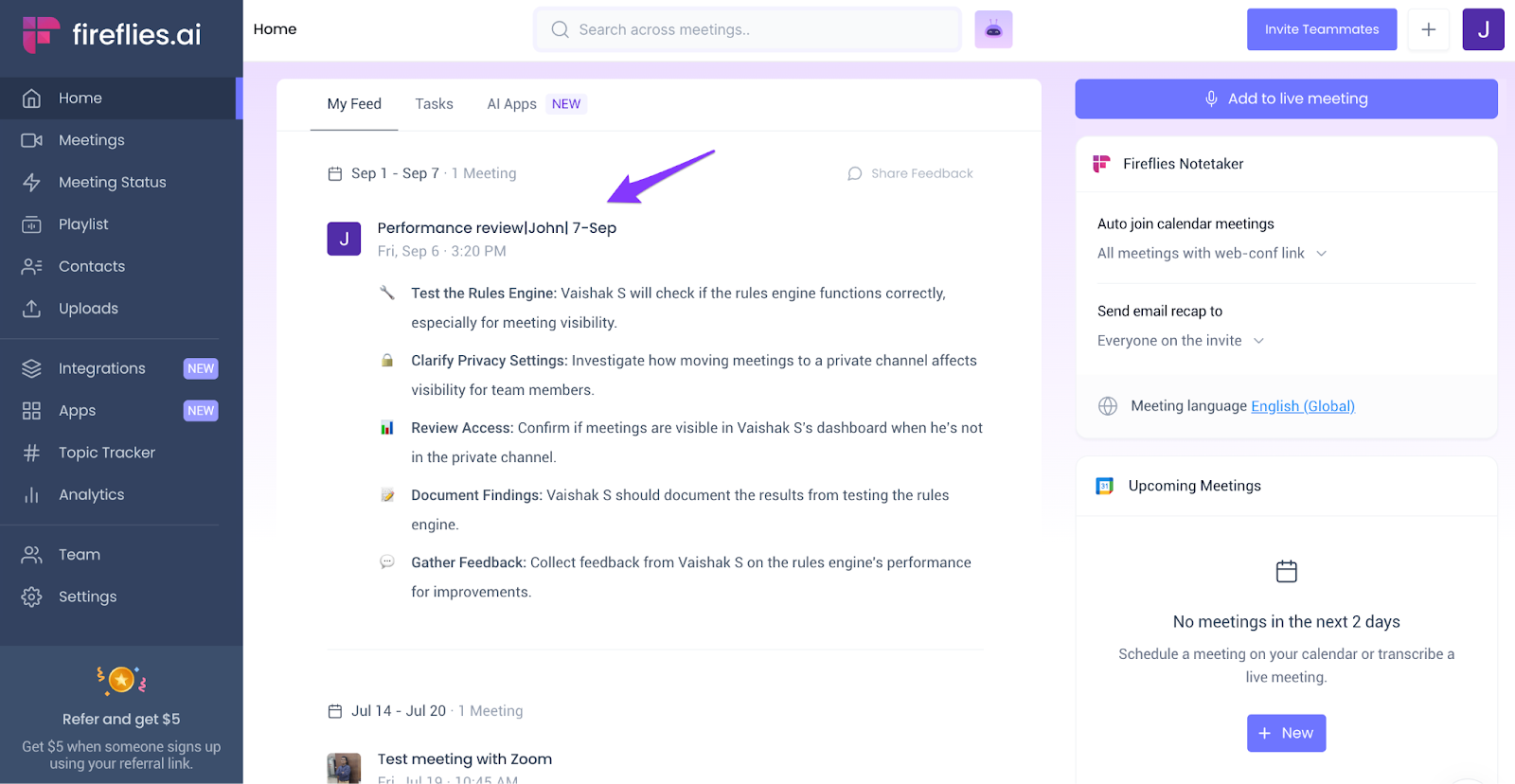
- To share meeting transcripts with teammates or participants, open a meeting from your Feed or from the Notebook.
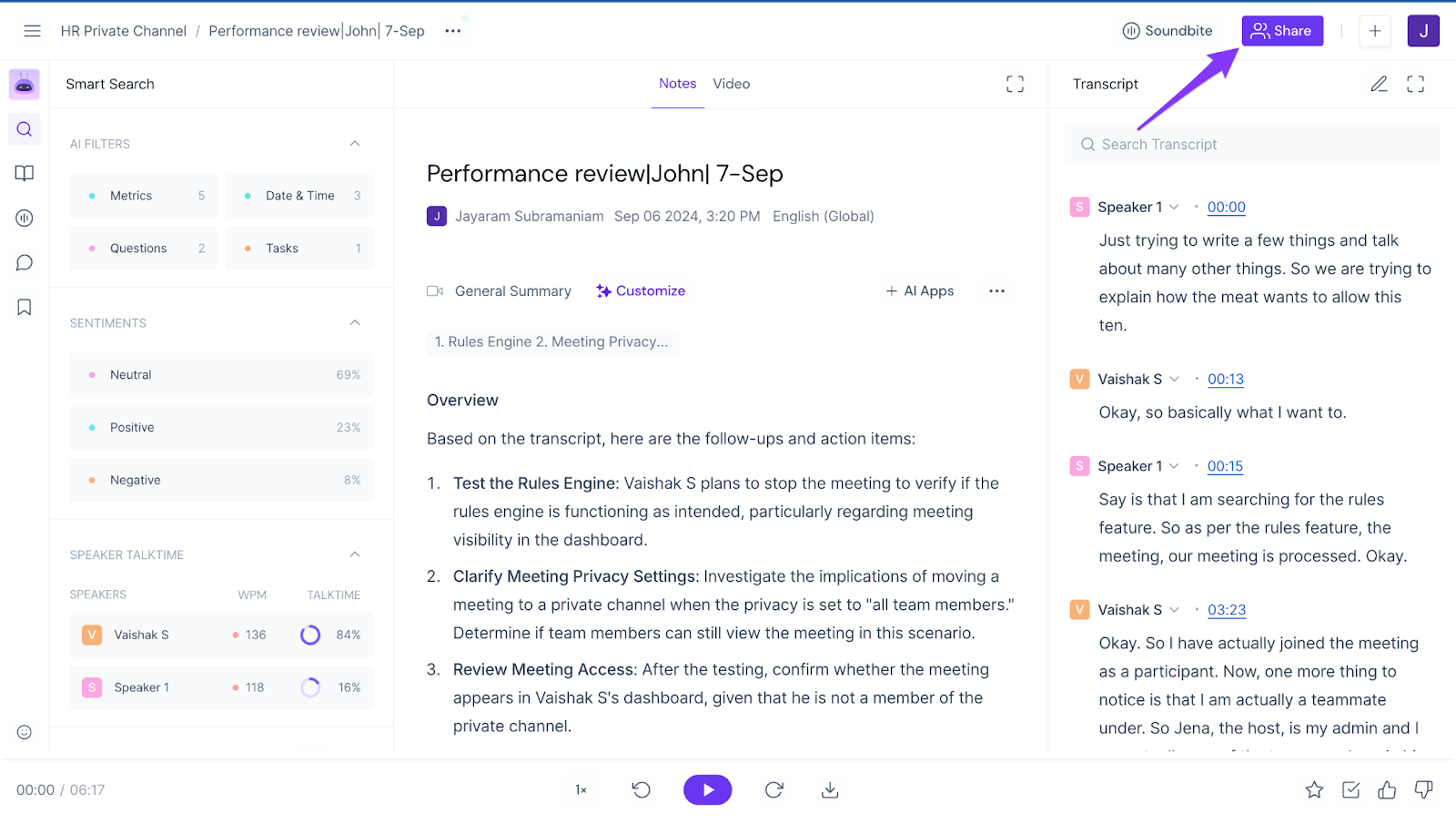
- Click Share.
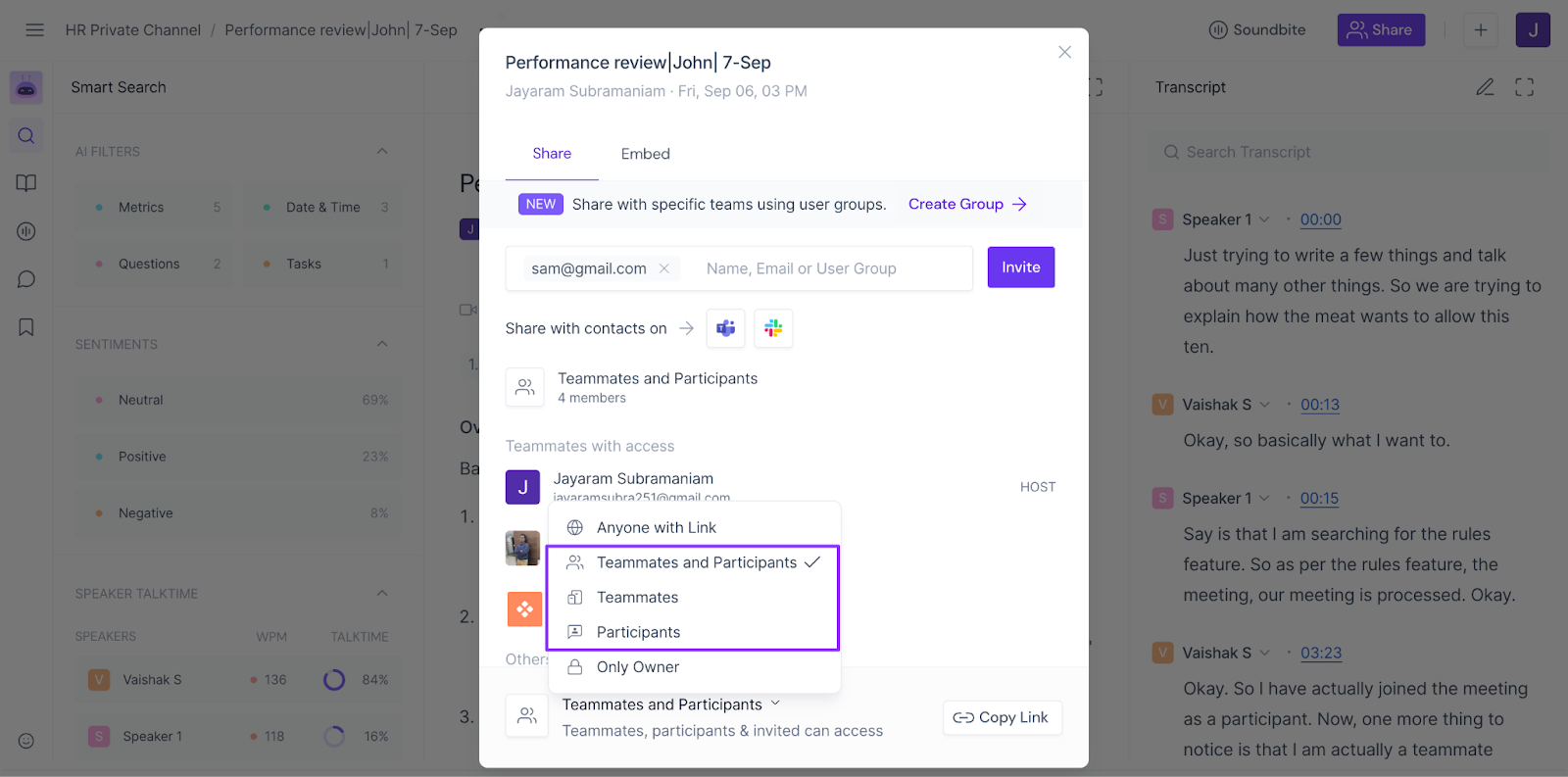
- You can the share meeting with:
- Teammates
- Participants
- Teammates and participants
Now, anyone who is a teammate in your Fireflies workspace or joined your meeting as a participant can only view the meeting recaps.
- You can also share this meeting with specific users via email or with User Groups you’ve created.
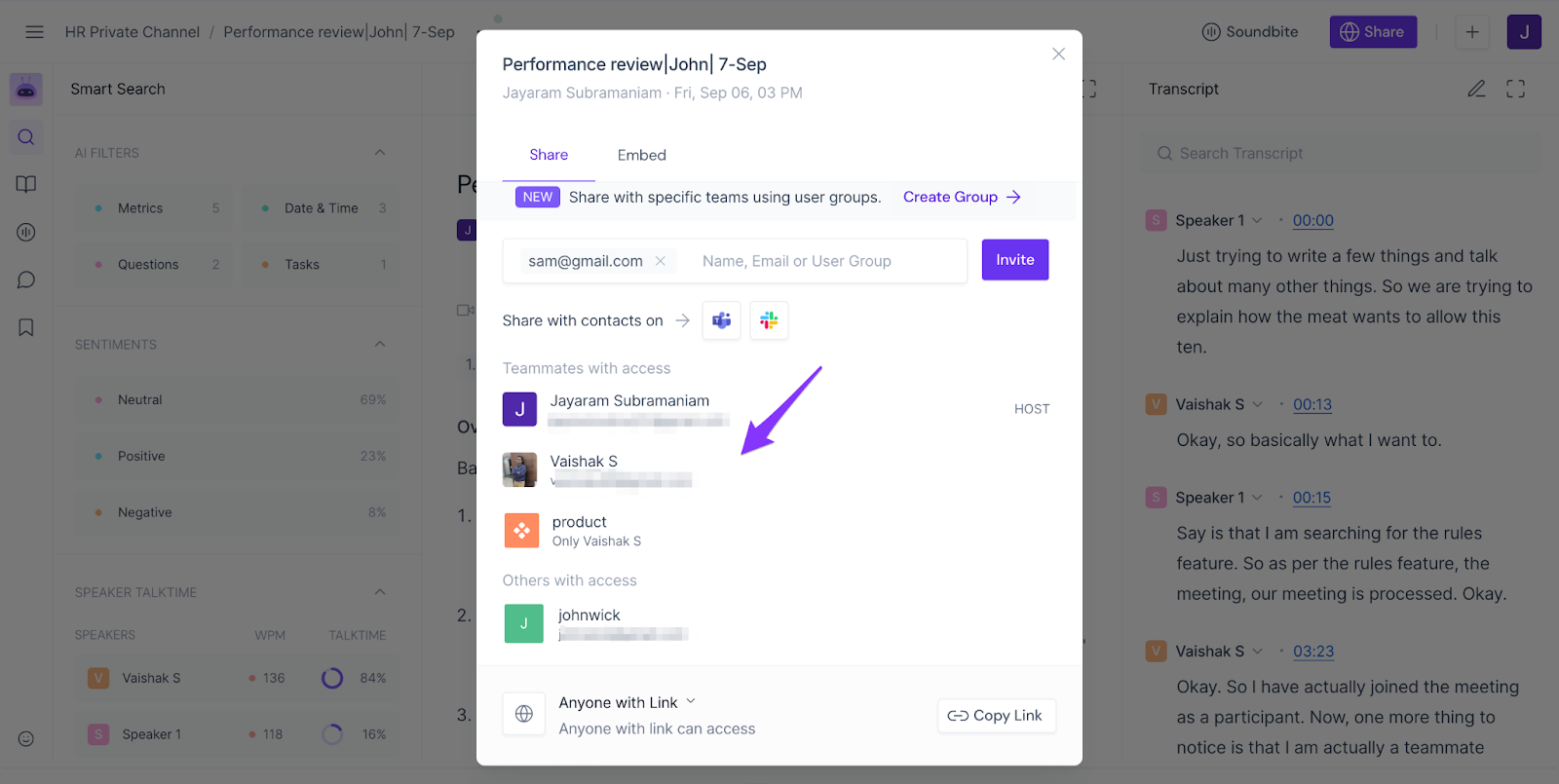
- Fireflies will send them an email with the meeting recap link.
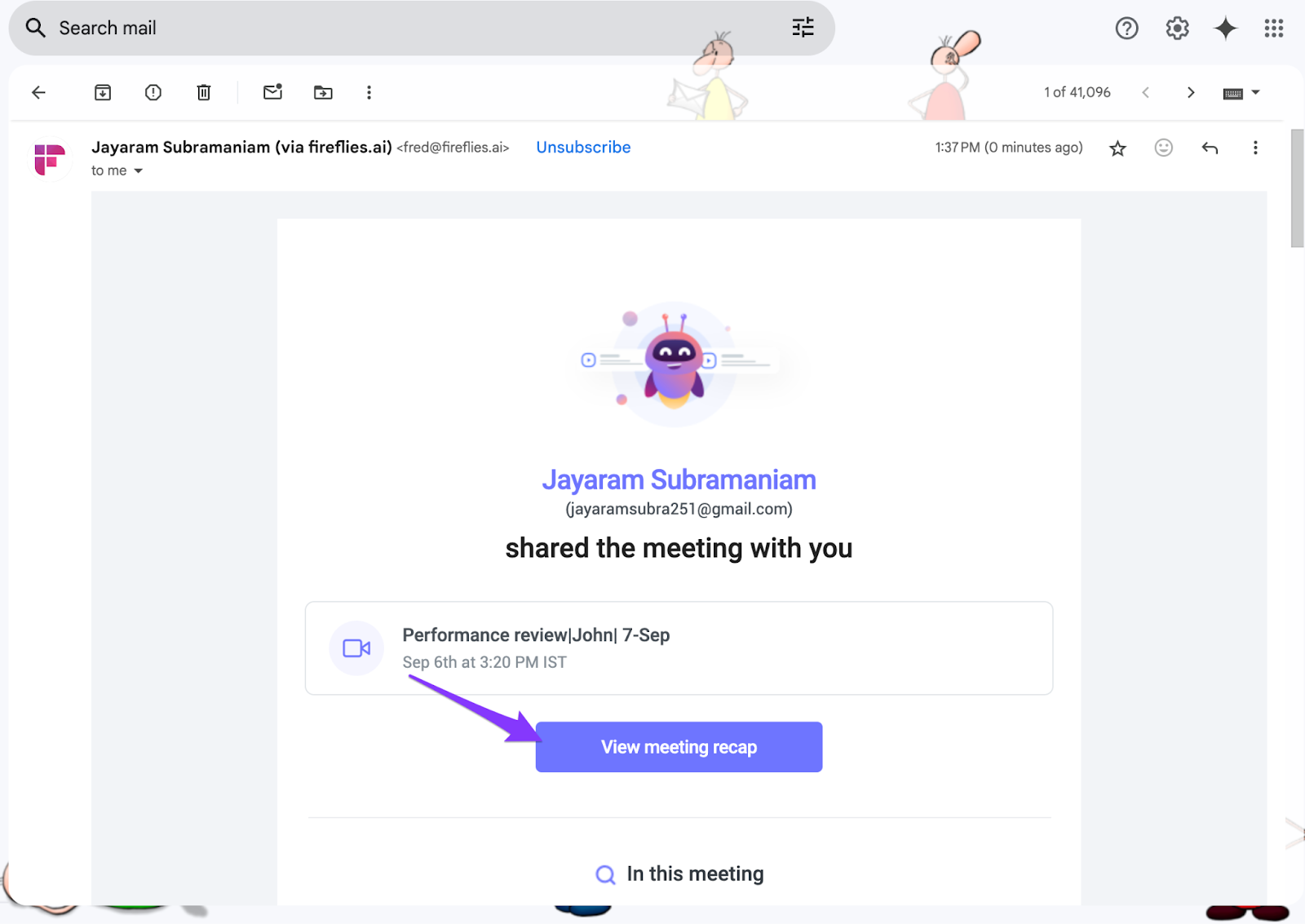
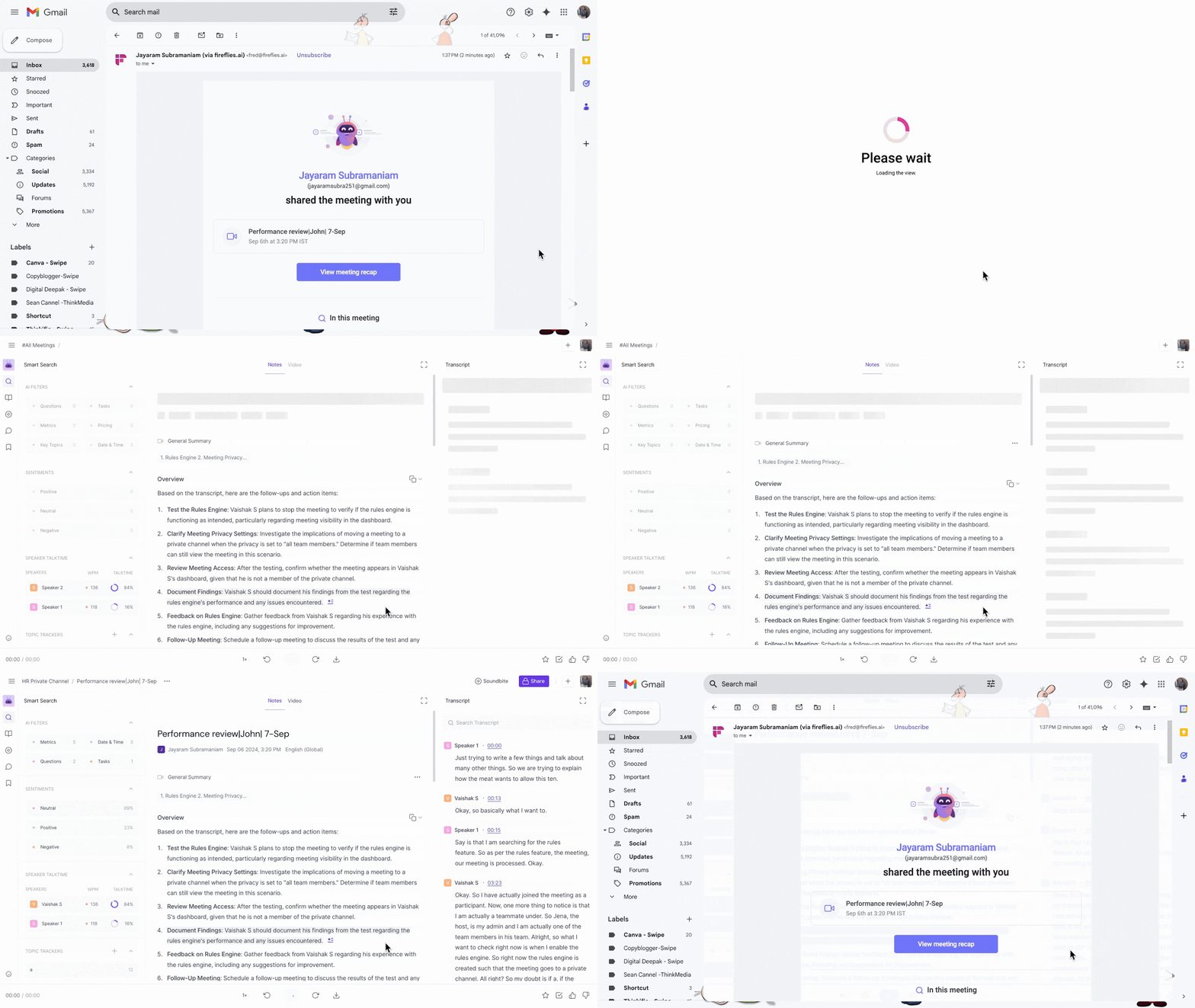
- Participants can click on the link and view the full meeting transcript and summary.
Related: How to share meeting transcripts