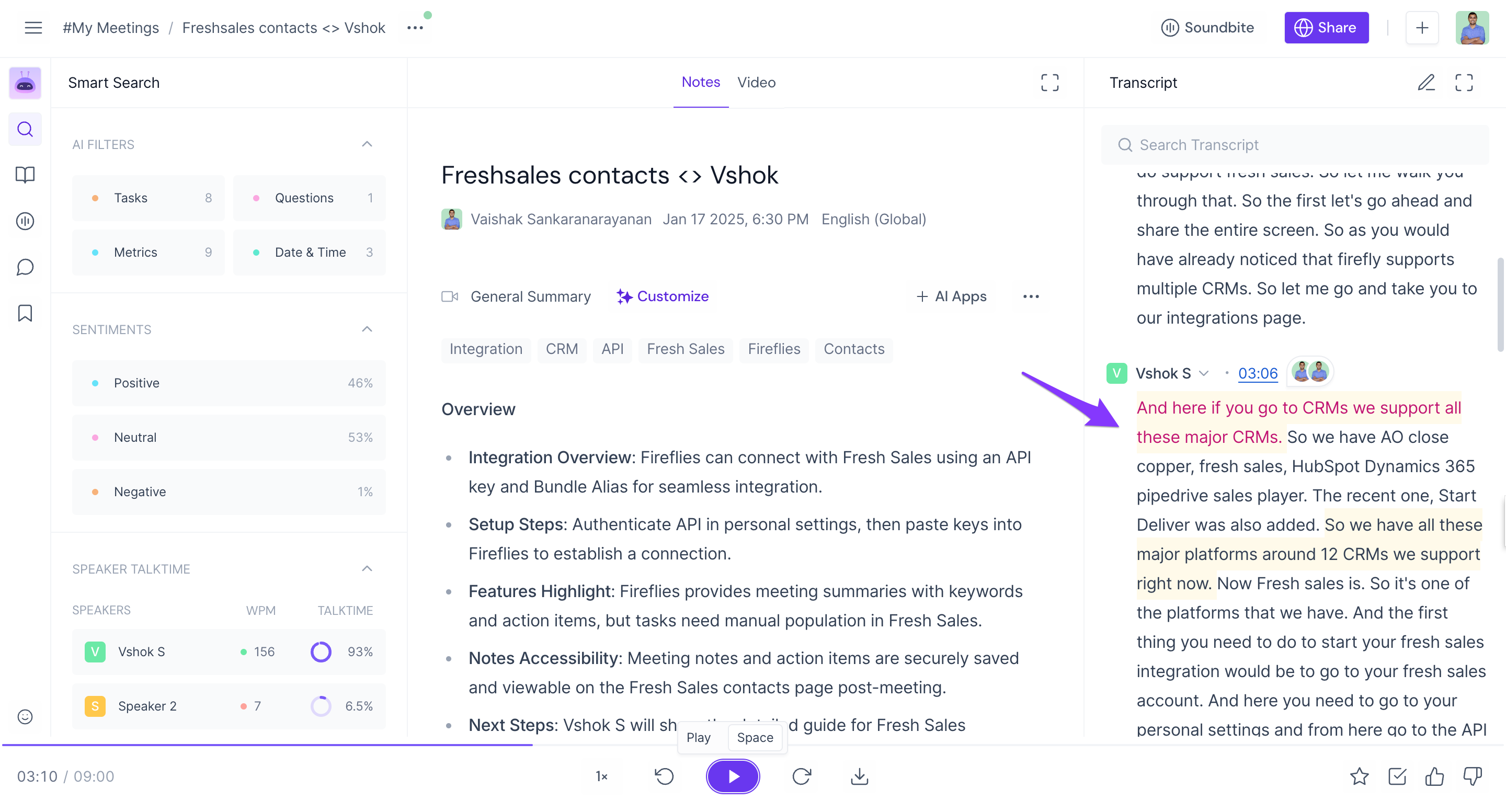
How to search within meeting transcripts
Last updated: May 23, 2025
This guide is part of the comprehensive post-meeting features guide. Here, we’ll walk you through the steps to search within your meeting transcripts.
For more detailed information on all post-meeting features, refer to the full post-meeting features guide.
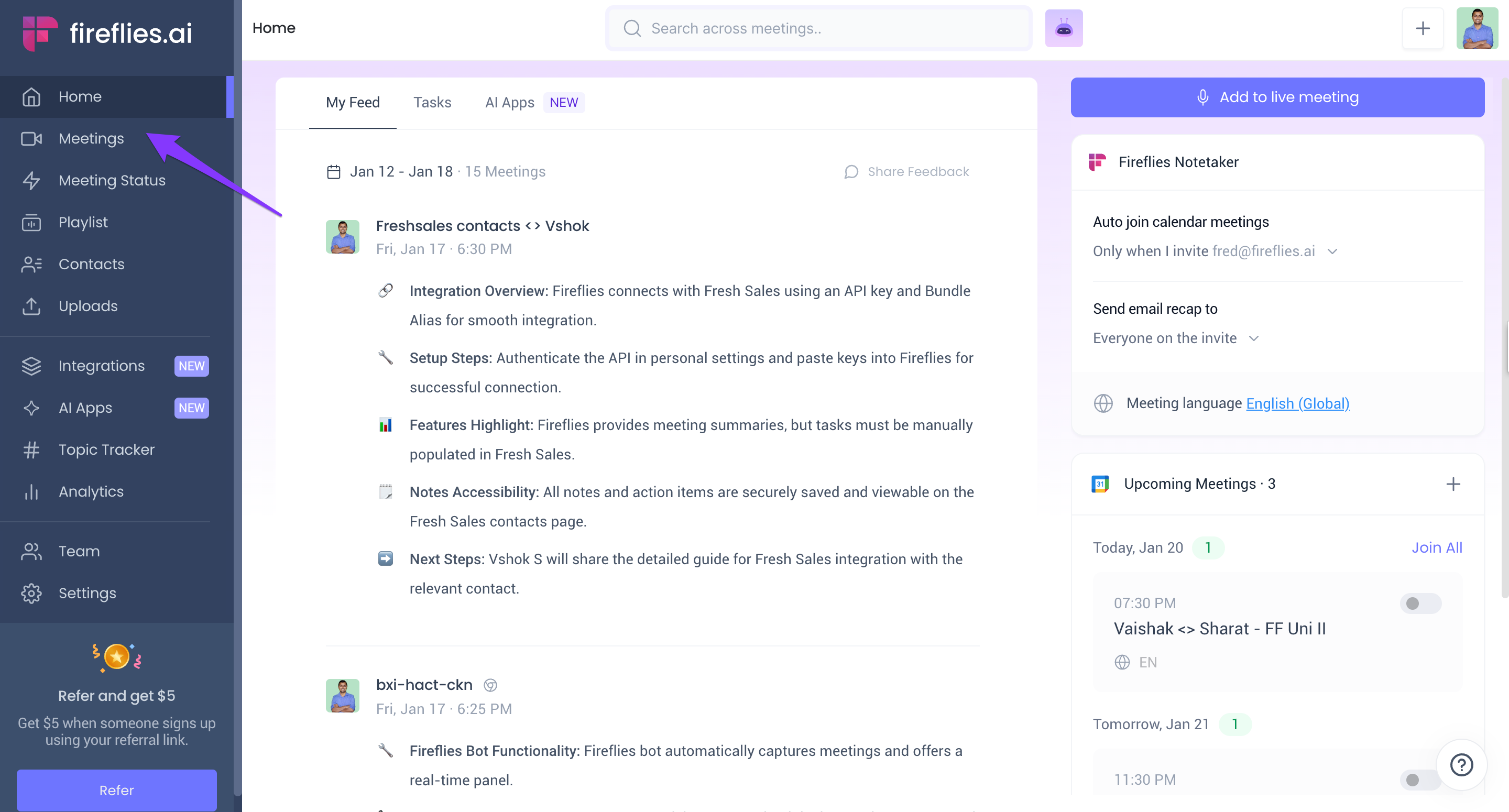
Go to Fireflies web app and click Meetings.
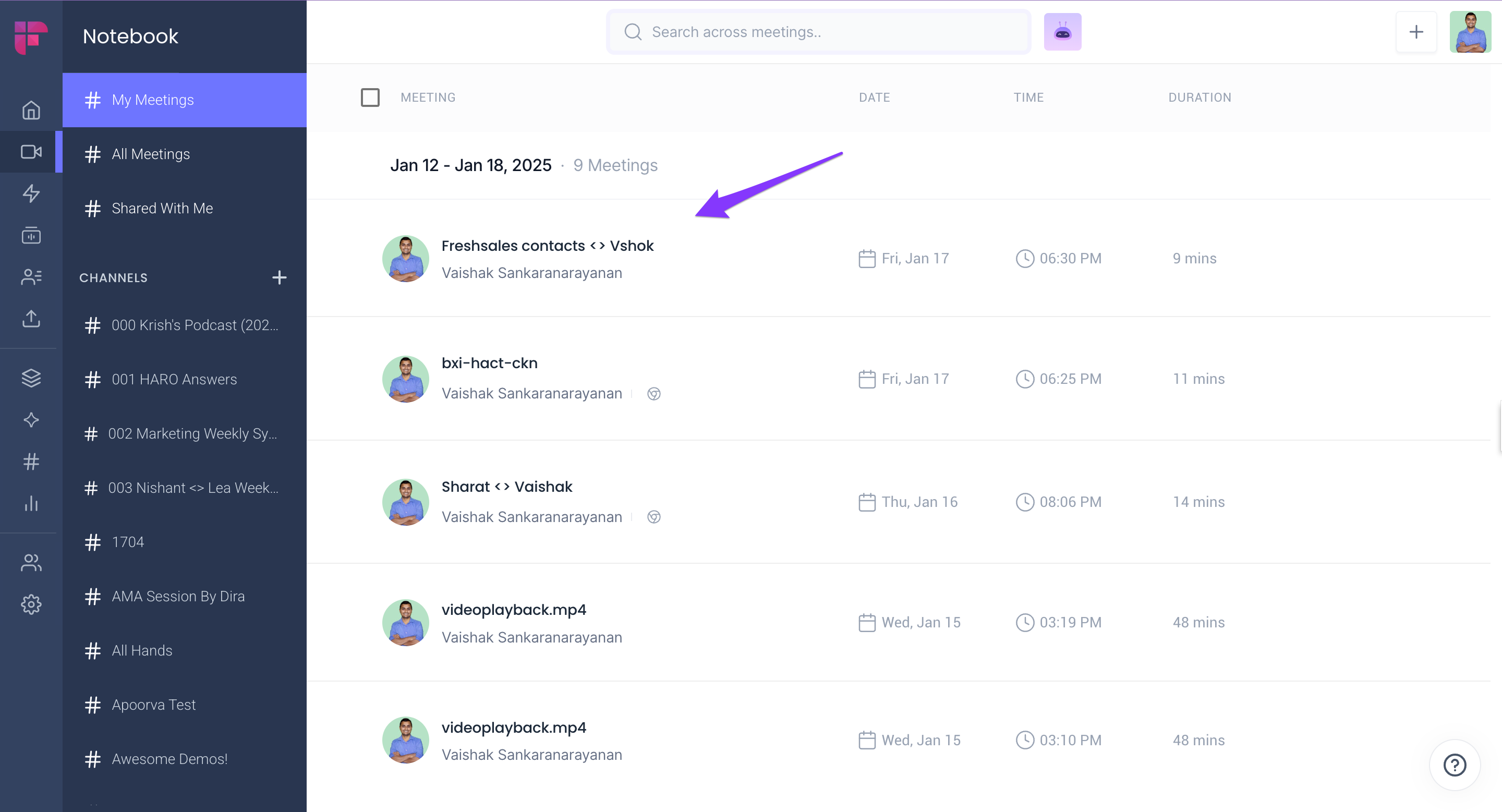
Open your desired meeting.
Type keywords or phrases you want to search for in the Search Transcript textbox and press enter.
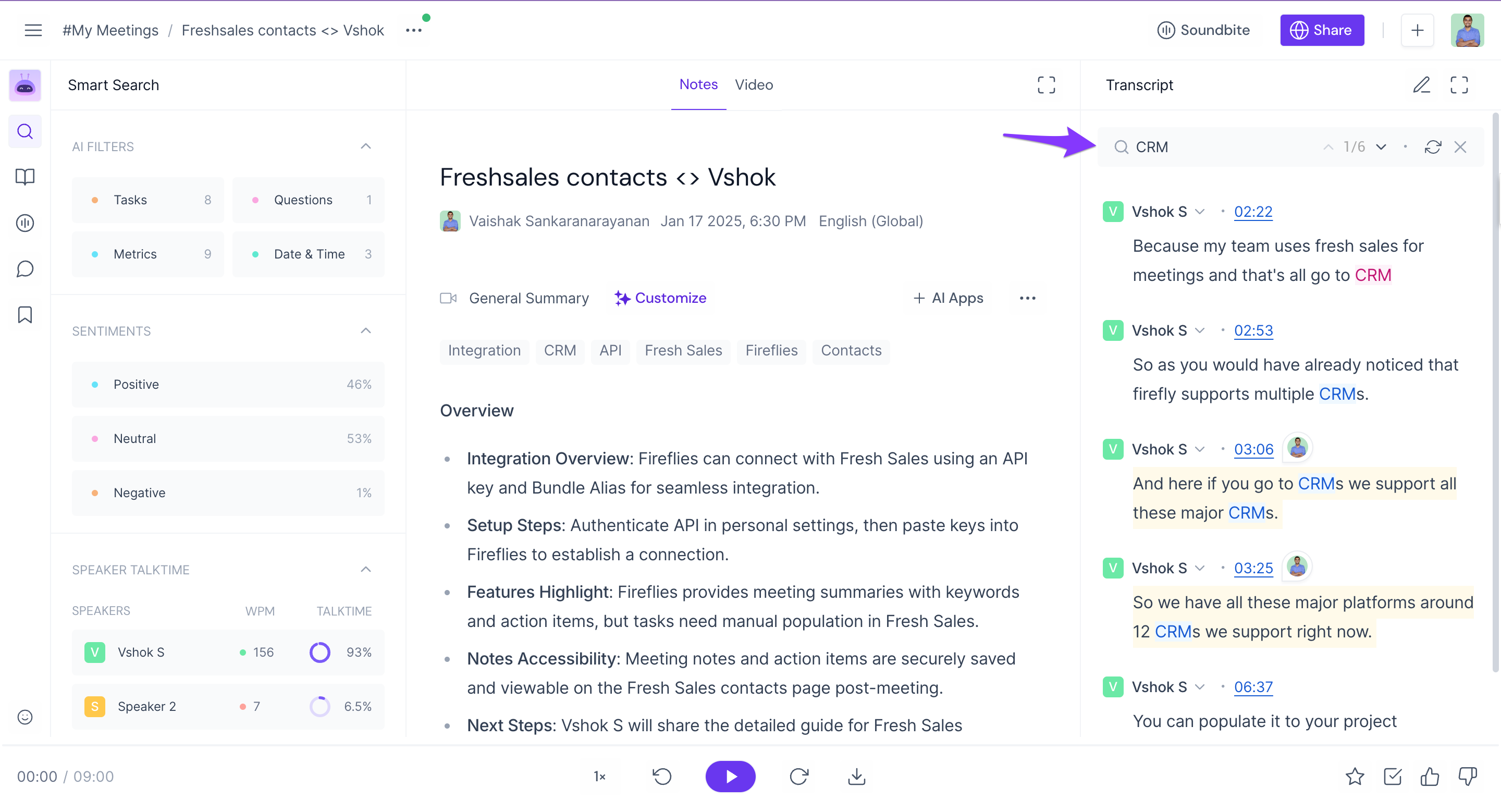
Scroll through the search results to find what you need, then click on the relevant part of the transcript.
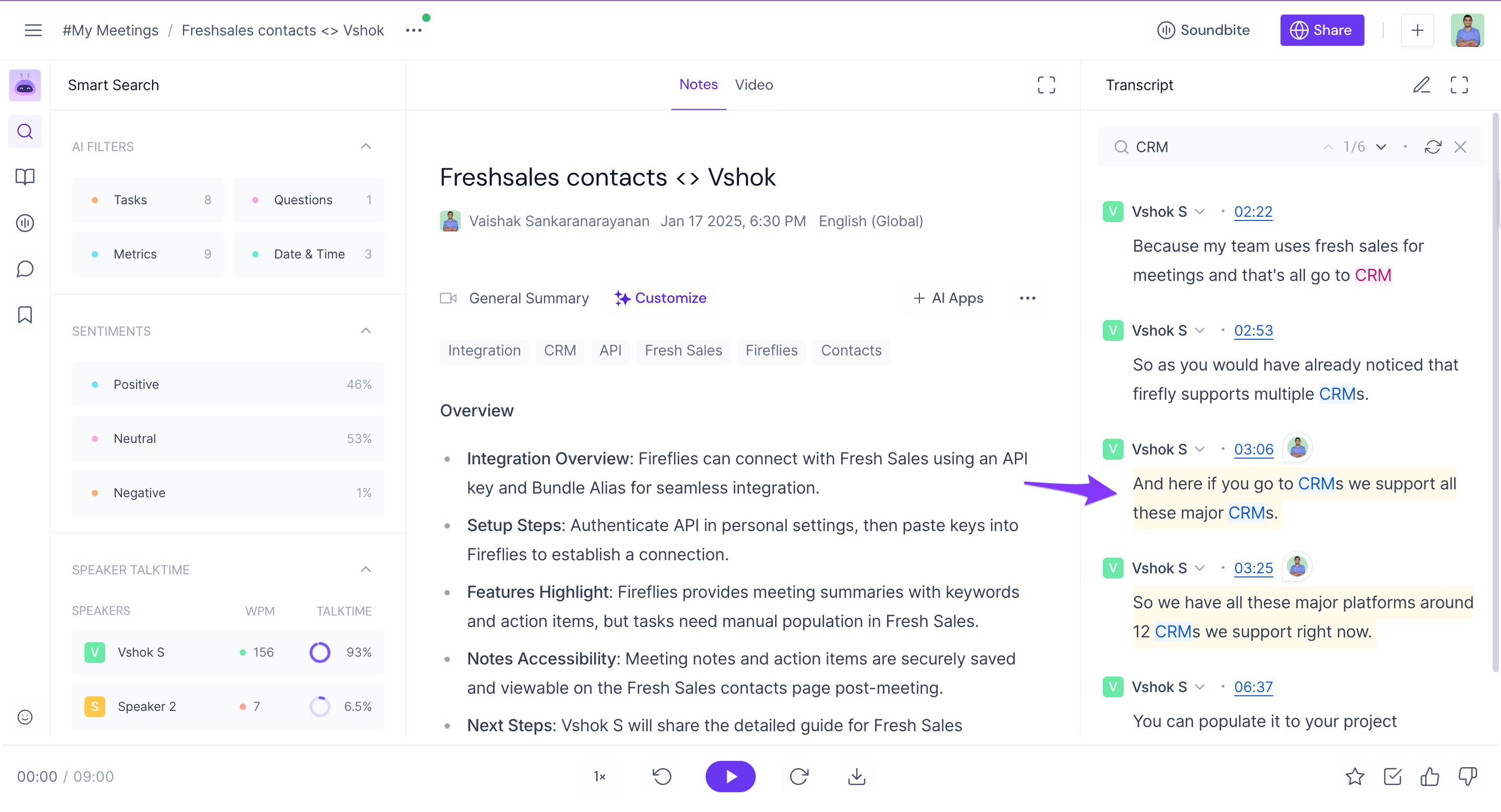
Fireflies will then play the recording from that specific point.
To sync your transcript with the playback, close the transcript search results.
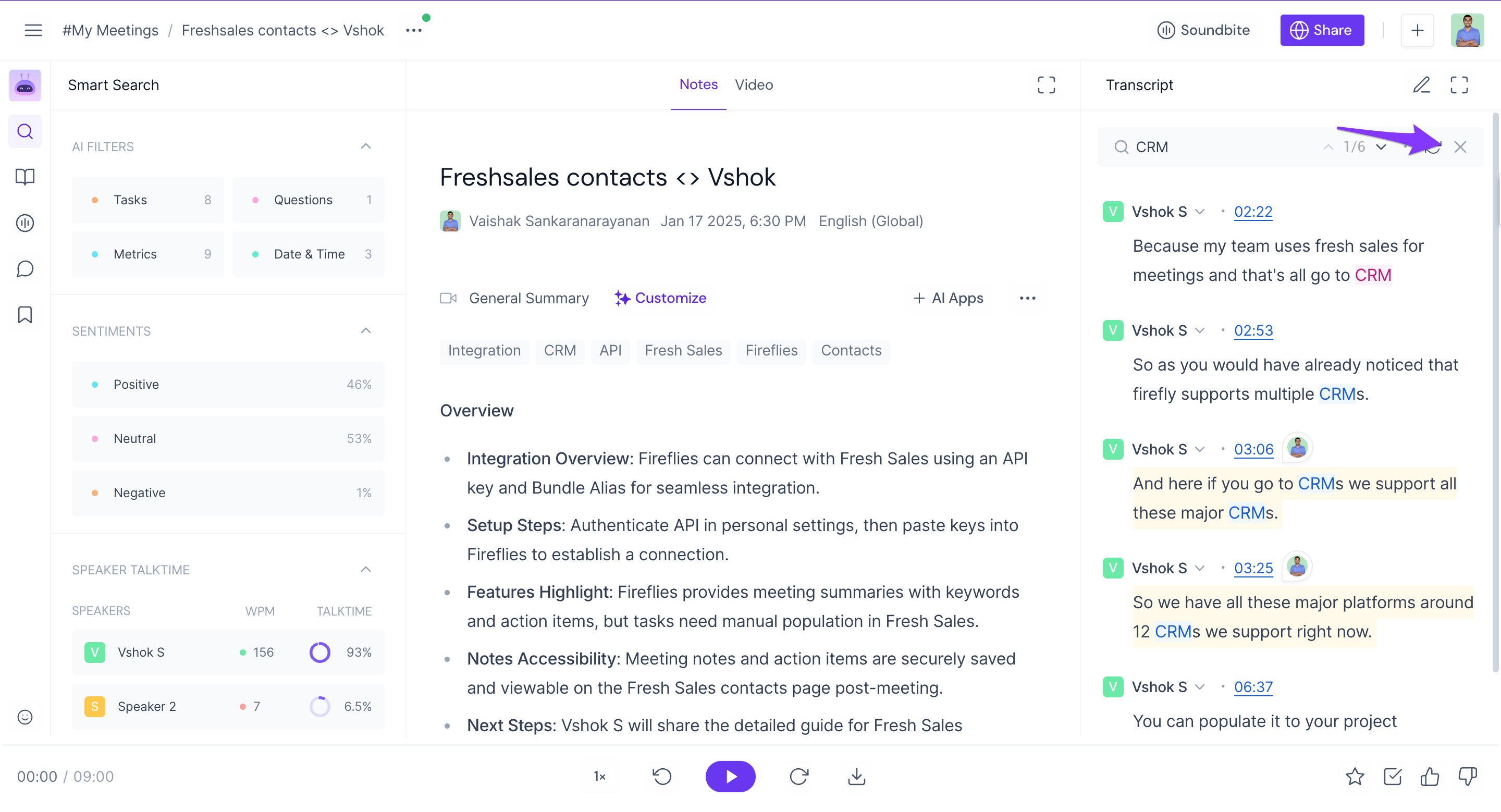
Now you can listen to the recording while following along with the transcript.