Learn about discounts on the Fireflies pricing plan
Last updated: May 23, 2025
This guide provides an overview of available discounts for Fireflies pricing plans and how to apply for them.
About discounts:
-
Fireflies offers a 10% discount on Pro, Business, or Enterprise tiers for NGOs, students, and non-profit organizations. This discount applies to both monthly and yearly plans.
How to get a discount
You can request a discount in two ways:
Option 1: Request a discounted invoice before payment
-
Sign up for Fireflies using your NGO or school’s email domain (e.g., name@yourngo.org).
-
Email support@fireflies.ai from your NGO’s email address and request a discounted invoice.
-
Once you receive the invoice, make the payment directly to upgrade to a paid plan.
Note:
-
To create a Fireflies account using your custom email (e.g., name@yourngo.org), ensure it is set up with a paid Google Workspace or Microsoft 365 account.
Option 2: Request a refund after upgrading
-
Sign up using the email domain of your NGO or school.
-
From the Fireflies dashboard, click Upgrade on the top or on the left nav bar.

-
Select any plan - Pro, Business, or Enterprise tiers.

-
Enter the number of seats, provide payment details, and click Upgrade.

-
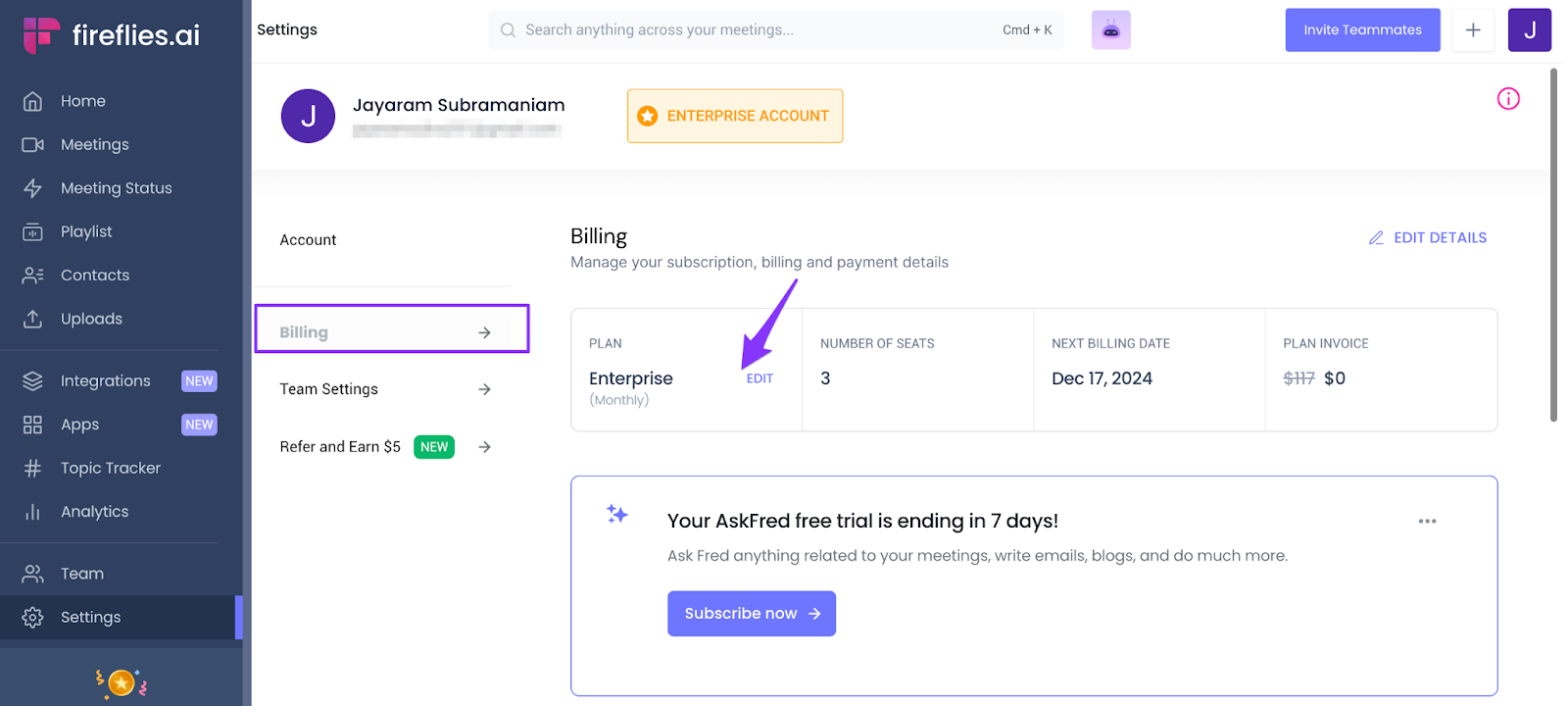
After payment, visit Settings > Billing to confirm your updated plan.