Upload audio and video files to Fireflies
Last updated: September 3, 2025
Transform your past meetings, interviews, or even your favourite podcasts into searchable, actionable insights. The uploads feature lets you process any audio or video file through Fireflies' AI analysis.
What you can upload
Upload any file in these supported formats:
🎵 Audio files: MP3, M4A, WAV
🎬 Video files: MP4
File size and duration limits
Your upload limits depend on your Fireflies plan:
Plan | Max file size | Max duration |
Free | 100MB | 150 minutes |
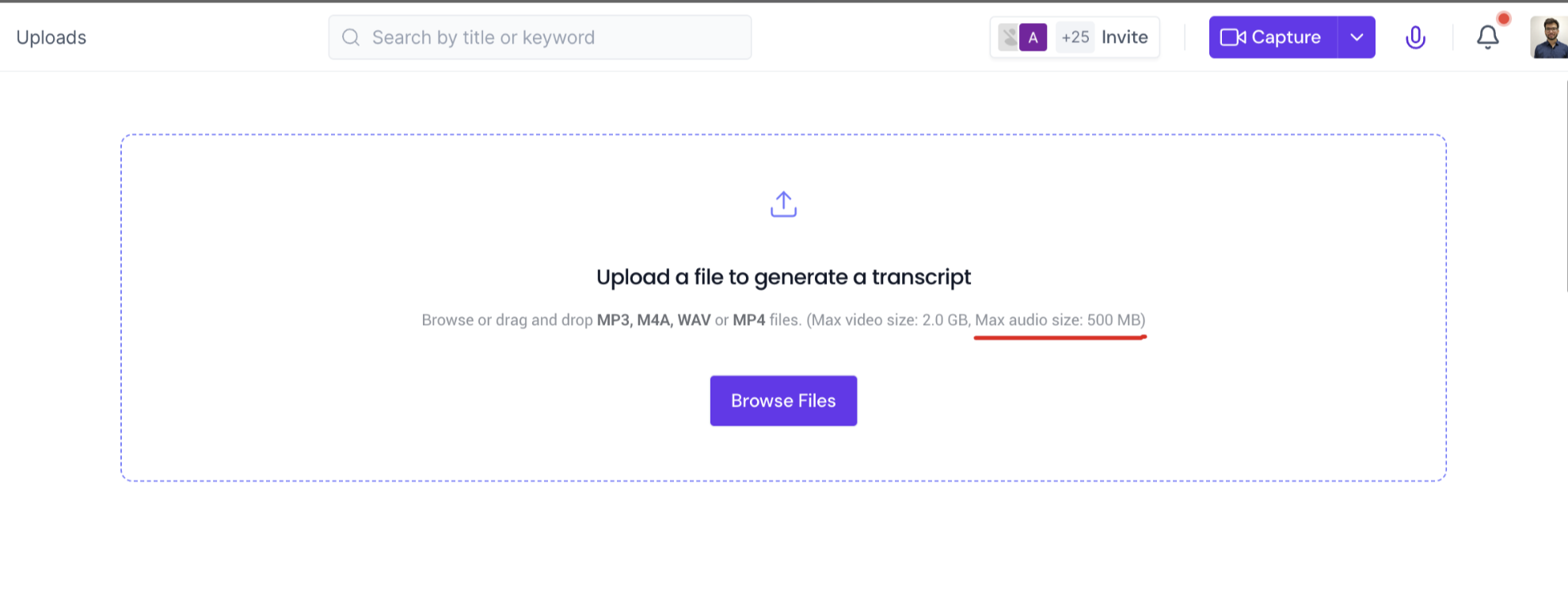
Pro/Business | 2 GB (video), 500MB (audio) | 150 minutes |
Processing limits and costs
For paid plan users, monthly processing limits apply:
Limit type | Allowance | Overage cost |
Per user | 3,000 minutes/month | $0.01/minute after 3,000 |
Team cap | 3,000 minutes/seat/month | $0.01/minute after 150,000 total |
Important notes about processing
⏰ Monthly reset: All processing minutes reset at the beginning of each month
📊 Usage calculation: Minutes are calculated based on your file's actual duration
🚫 No rollover: Unused minutes don't carry over to the next month
How to start uploading
Ready to upload your files?
Making sense of it all
Uploads get the same analysis as live meetings - full transcription, summaries, and insights
Free users have a 100MB limit, while paid users can upload much larger files
Paid plans include 3,000 minutes monthly processing with small overage fees beyond that
All plans have a 150-minute duration limit regardless of file size
Processing limits reset monthly and unused minutes don't roll over
📊 Need to understand meeting credits too? Read Monthly Credits & Rate Limits For Meetings